
Your website gets visitors, but sales, quote requests or contact forms do not follow? The problem is not always traffic. Very often, the website itself slows down conversion.
Visitors may leave a page because the message is unclear, the site is slow, the design is confusing, the purchase path is too long or the content does not match their search intent. The right analysis tools help you understand what blocks them.
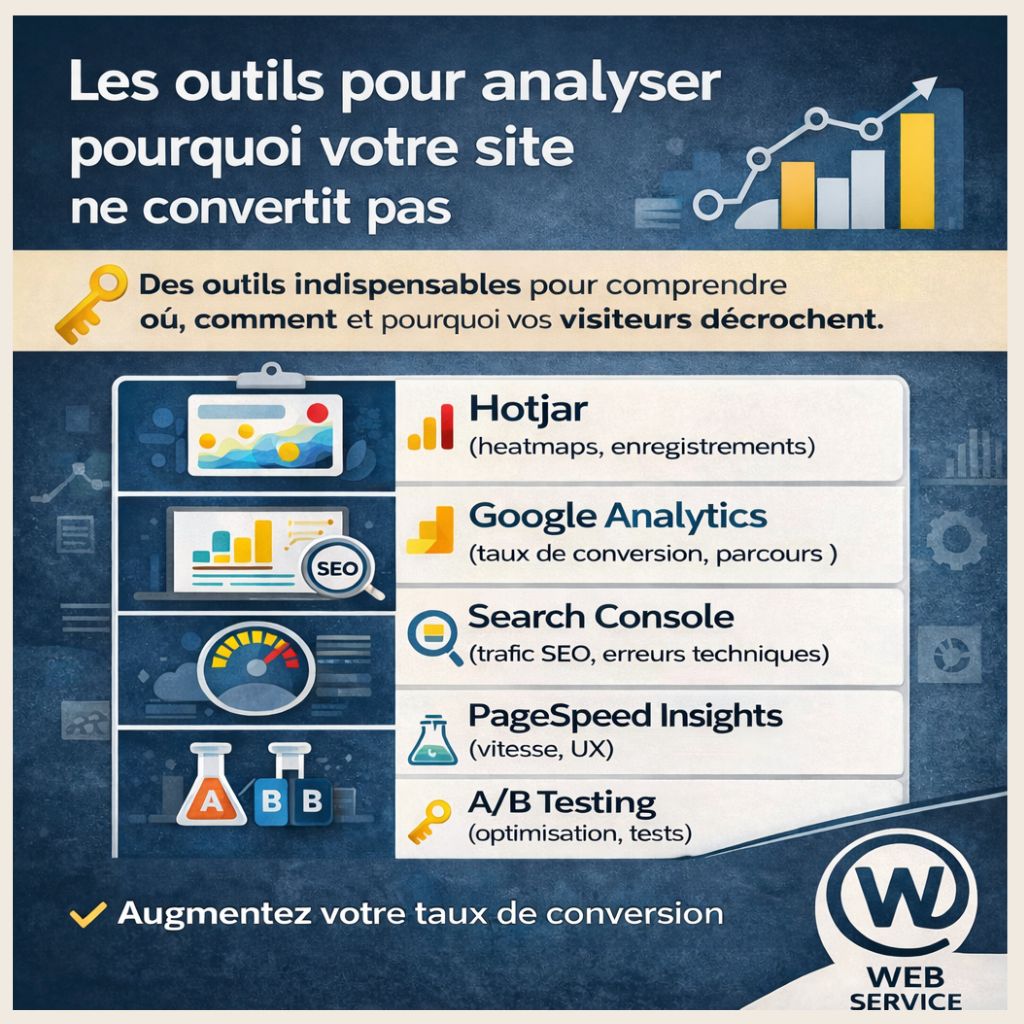
Why does your website not convert?
A website can attract traffic without producing concrete results. This often happens when there is a gap between what the visitor expects and what the page actually offers.
- unclear messaging above the fold,
- calls to action that are hard to see,
- a slow mobile experience,
- lack of trust signals,
- a user journey that is too complex,
- traffic that is not qualified.
1. Hotjar: see how visitors really use your site
Hotjar is useful for analyzing user experience. Heatmaps, session recordings and feedback tools show where people click, how far they scroll and when they leave. If an important button is poorly placed, Hotjar can reveal it quickly.
2. Google Analytics 4: understand the user journey
Google Analytics 4 helps you measure conversion rate, landing pages, exit pages and the steps where users abandon the journey. It shows which pages attract traffic but generate no action.
3. Google Search Console: check whether you attract the right traffic
Search Console shows the queries that bring users to your site. If a commercial page mainly attracts informational searches, the intent mismatch can explain a low conversion rate.
4. PageSpeed Insights: identify performance issues
A slow website can lose visitors before they even read your offer. PageSpeed Insights highlights loading speed, Core Web Vitals, visual stability and mobile responsiveness.
5. Conversion funnels and A/B testing
For ecommerce or service websites, analyze each step: product or service page, button click, cart, checkout or form submission. A/B testing then helps compare two versions of a page or call to action.
The goal is not to guess. It is to observe real behavior, identify friction points and improve the website step by step.